Unmask Lab
Unmask facial features with one tap. Built-in segmentation extracts skin, hair, teeth & glasses from photos.
Get Unmask Lab

App Preview
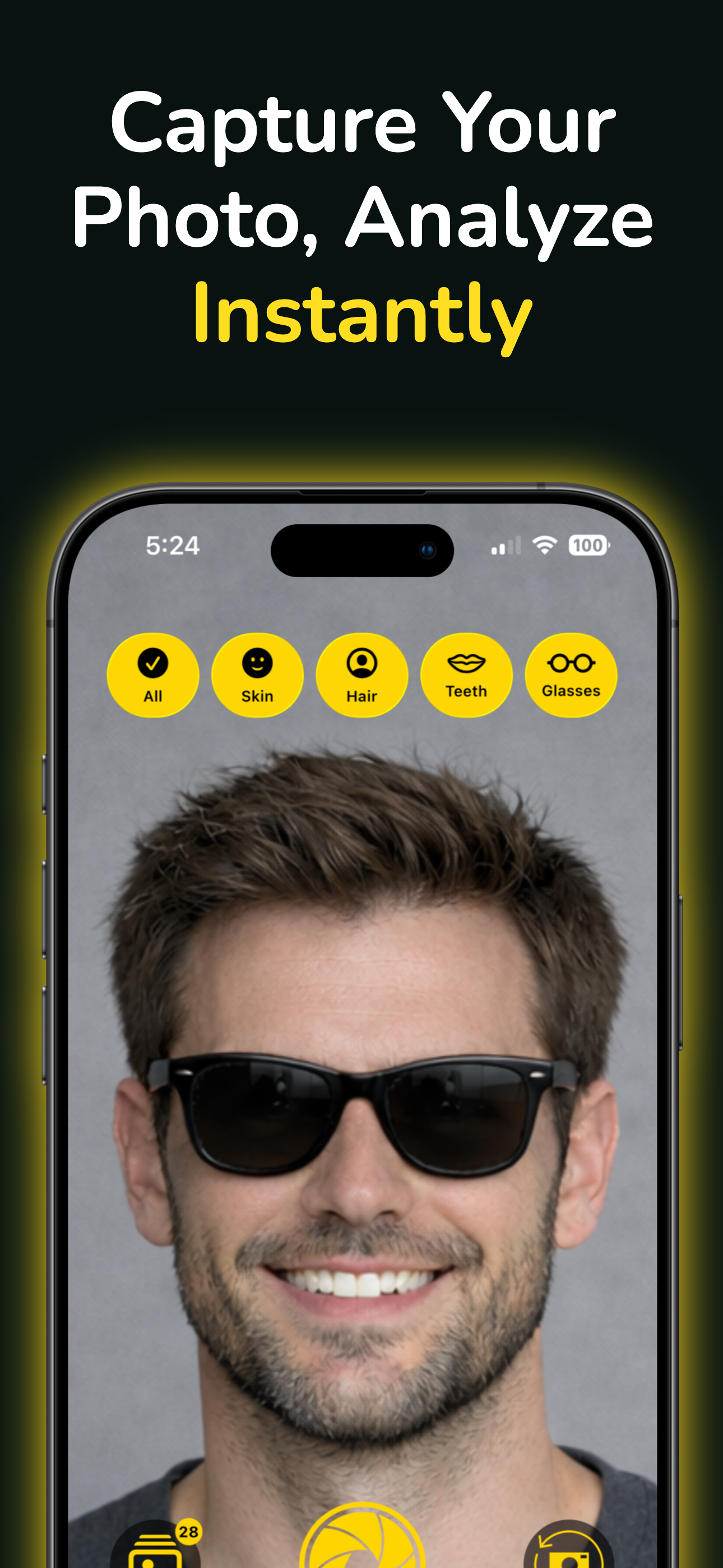
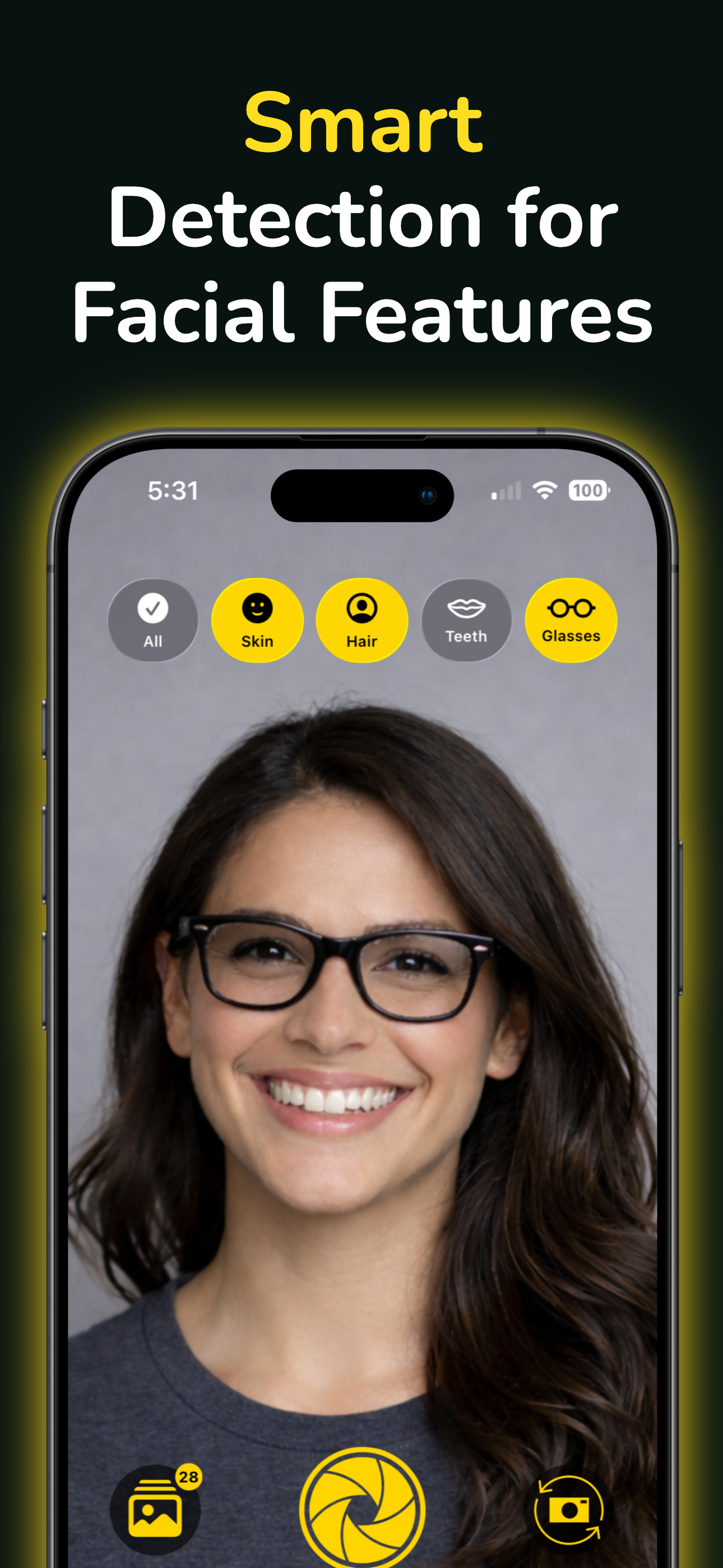
Instant Capture
Capture photos with front or back camera. Select which facial features to extract before shooting.
Precise Segmentation
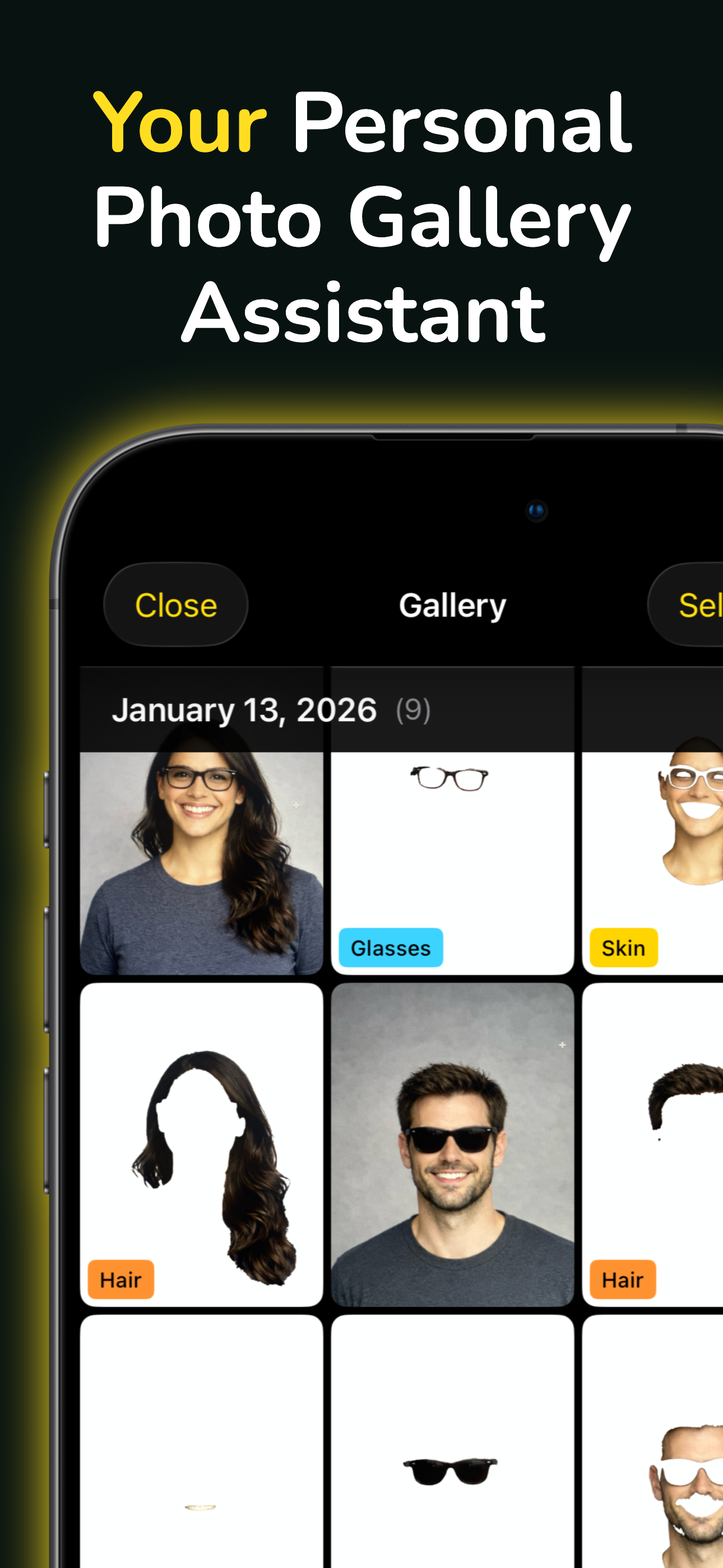
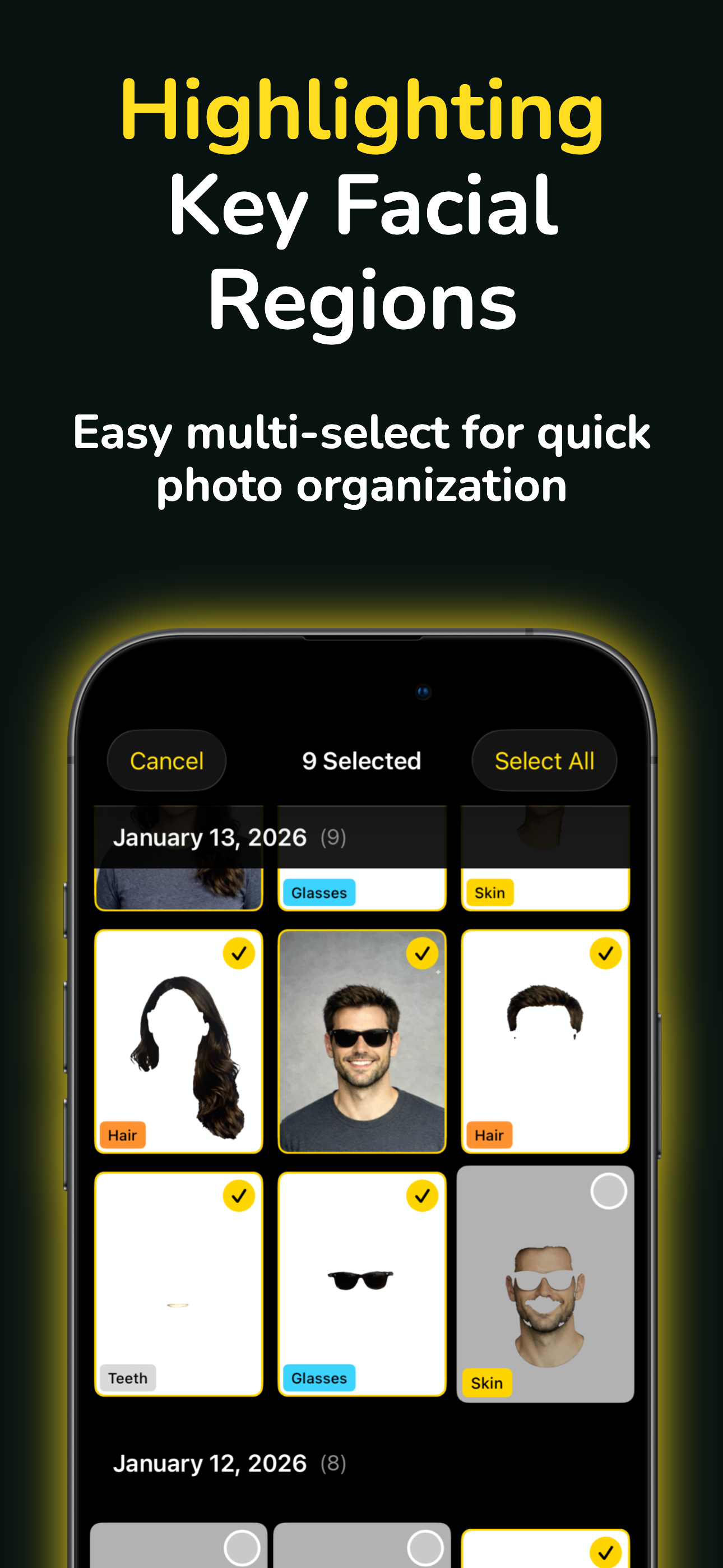
Extract skin, hair, teeth, and glasses as separate mask images using device-native semantic segmentation.
Complete Privacy
All processing happens on your device. No photos are uploaded. No cloud. No data collection.
Built-in Gallery
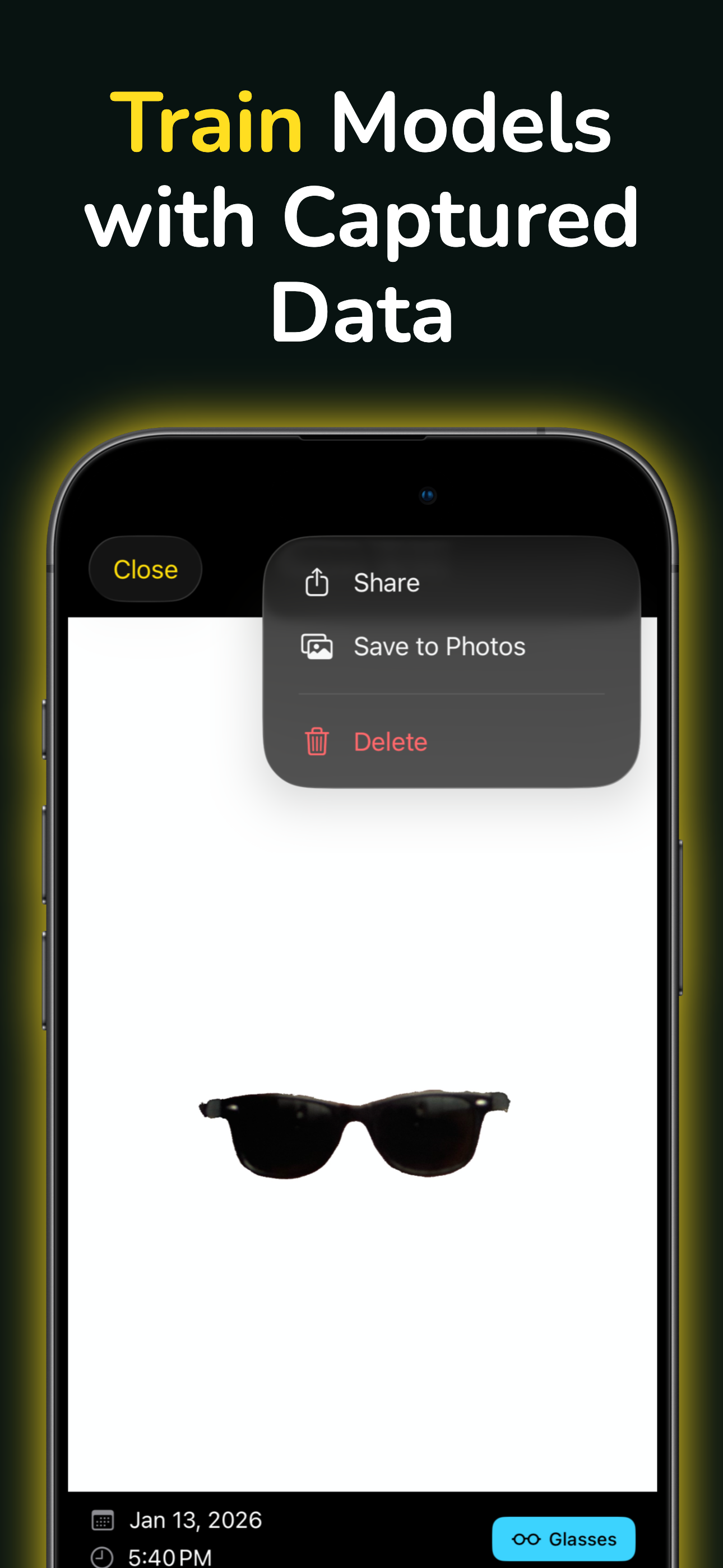
Browse captured photos organized by date. Swipe through images, share, or save to your Photos library.
How to Use
Open & Allow Access
Launch Unmask Lab and grant camera permission when prompted.
Select Features
Choose which facial features to extract: Skin, Hair, Teeth, or Glasses.
Capture Photo
Tap the capture button. Make sure a face is clearly visible in frame.
View in Gallery
Open Gallery to see your photos. Tap any image to view, share, or export.